Set Up Plex DVR
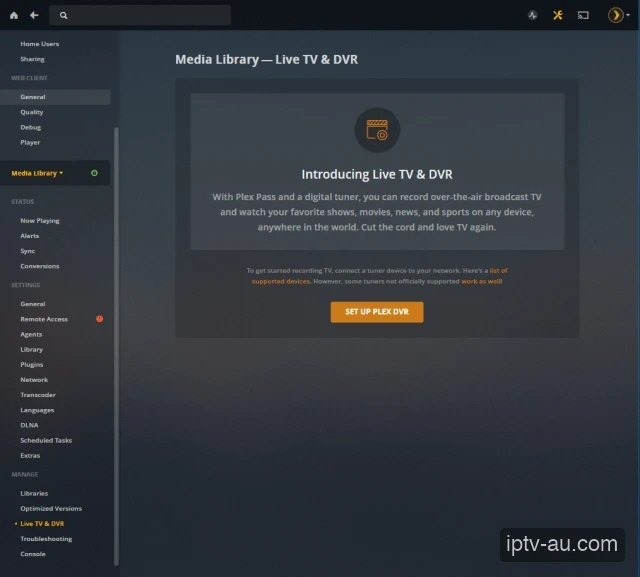
After configuring xTeVe with your M3U playlist, open your Plex Media Server web interface. Navigate to Settings > Live TV & DVR under the Manage section. Click the orange SET UP PLEX DVR button.
| Primary Goal | Record Live TV to Hard Drive |
|---|---|
| Requirements | Plex Pass + xTeVe (Virtual Tuner) |
| Complexity | Advanced |
If you want to schedule recordings for live sports or TV shows so you don't miss them, the most robust way to do it is using Plex Media Server. By using a proxy software like xTeVe or Threadfin, you can trick Plex into thinking your IPTV playlist is a physical digital antenna. This allows you to use Plex's excellent built-in DVR features.
After configuring xTeVe with your M3U playlist, open your Plex Media Server web interface. Navigate to Settings > Live TV & DVR under the Manage section. Click the orange SET UP PLEX DVR button.
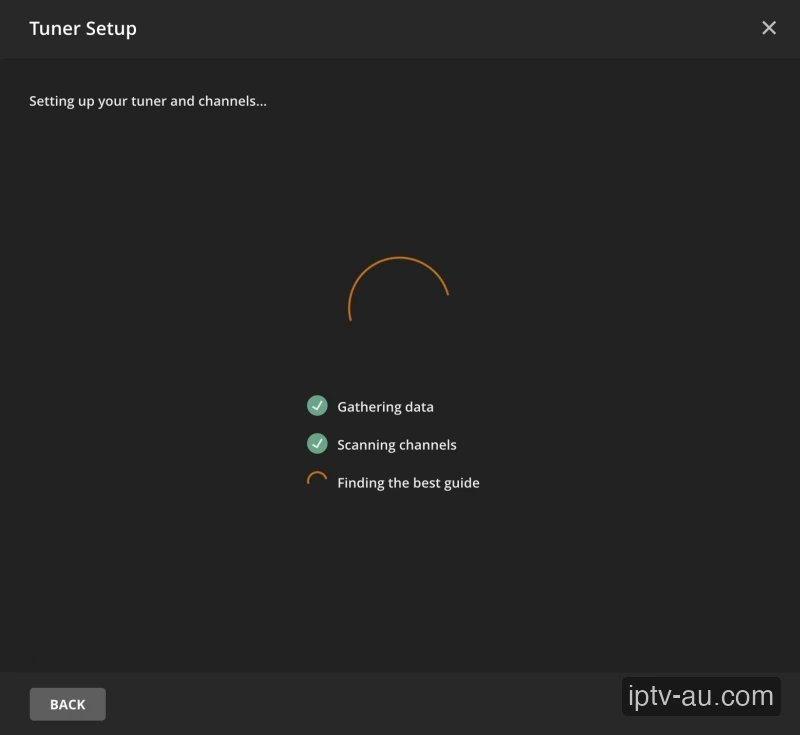
Plex will automatically scan your local network for tuners. It should discover your xTeVe instance. Select it, and Plex will begin gathering data and scanning the channels you mapped in xTeVe.
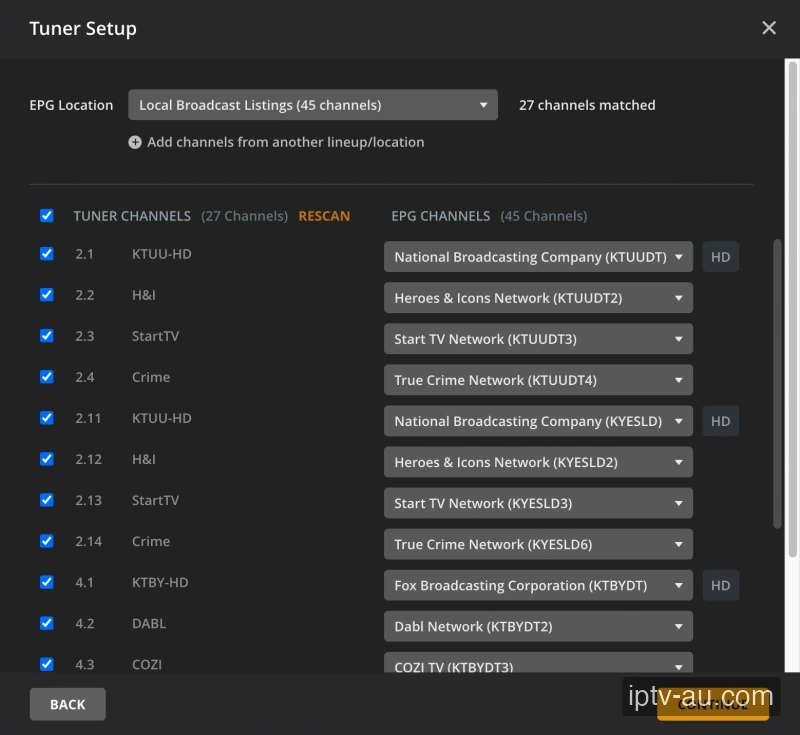
Plex will ask you for a TV guide source. Provide the XMLTV URL from your IPTV service (or from xTeVe directly). You will then need to map the Tuner Channels on the left to the EPG Guide Channels on the right so Plex knows what is playing. Click Continue when done.
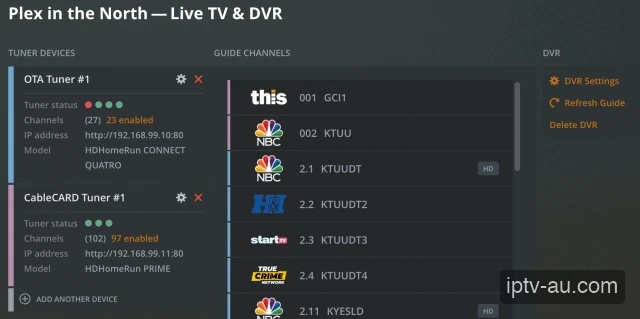
Your DVR is now fully set up. You can navigate to the Live TV tab in Plex, browse the guide, and click the Record button on any show. Plex will automatically record it to your server's hard drive so you can watch it later.
Yes. The Live TV & DVR functionality is a premium feature of Plex. You must have an active Plex Pass subscription to enable recording capabilities on your server.
Plex only accepts hardware tuners (like HDHomeRun). You cannot input an M3U directly into Plex. You must run software like xTeVe or Threadfin on your network to act as a "middleman" that converts your M3U into a format Plex understands.
A standard 1-hour 1080p recording takes roughly 2-4 GB of space, depending on the bitrate. Make sure the hard drive connected to your Plex Server has plenty of available storage.
Yes, but this requires an IPTV subscription with multiple concurrent connections. If you only have a 1-connection plan, recording a channel while watching another will get your account banned.
This is usually caused by momentary network drops or IPTV server buffering. If the stream disconnects, Plex will stop the recording. Ensure your server is hardwired via Ethernet.
Plex will attempt to direct play the `.ts` or `.m3u8` streams. However, if your playback device doesn't support the format, Plex will transcode it, which requires a powerful CPU.
xTeVe is a proxy application that converts your M3U playlist into a format that mimics a physical HDHomeRun tuner, allowing Plex to ingest the channels as if they were coming from a real antenna.