Device Logo

Chromecast Setup Guide

How do I set up IPTV on Chromecast? To configure your Chromecast for IPTV, install a professional player app (like IPTV Smarters Pro or TiviMate) either from the official app store or by sideloading it. Once installed, launch the application and choose "Login with Xtream Codes API" to enter your subscription credentials and unlock your live TV and VOD library.

Fast Facts

IPTV Subscription IPTV Chromecast
Best App IPTV Smarters Pro
Compatibility Chromecast with Google TV
Setup Time 6 mins
Official Website Visit Site
Device Support Google Support

Why Chromecast with Google TV?

The new generation of Chromecast devices features a built-in Android OS (Google TV), meaning you can install apps directly onto the device without needing to cast from your phone. Sideloading apps like Smarters Pro is incredibly easy.

Installation Steps

  1. Get the Downloader App

    Navigate to the Apps tab on your Google TV home screen. Search for Downloader and install it. Once installed, go to Settings > System > About and click on "Android TV OS build" 7 times to enable Developer Mode. Then go back, find Security & Restrictions, and allow Downloader to install unknown apps.

    Get the Downloader App for IPTV on Chromecast
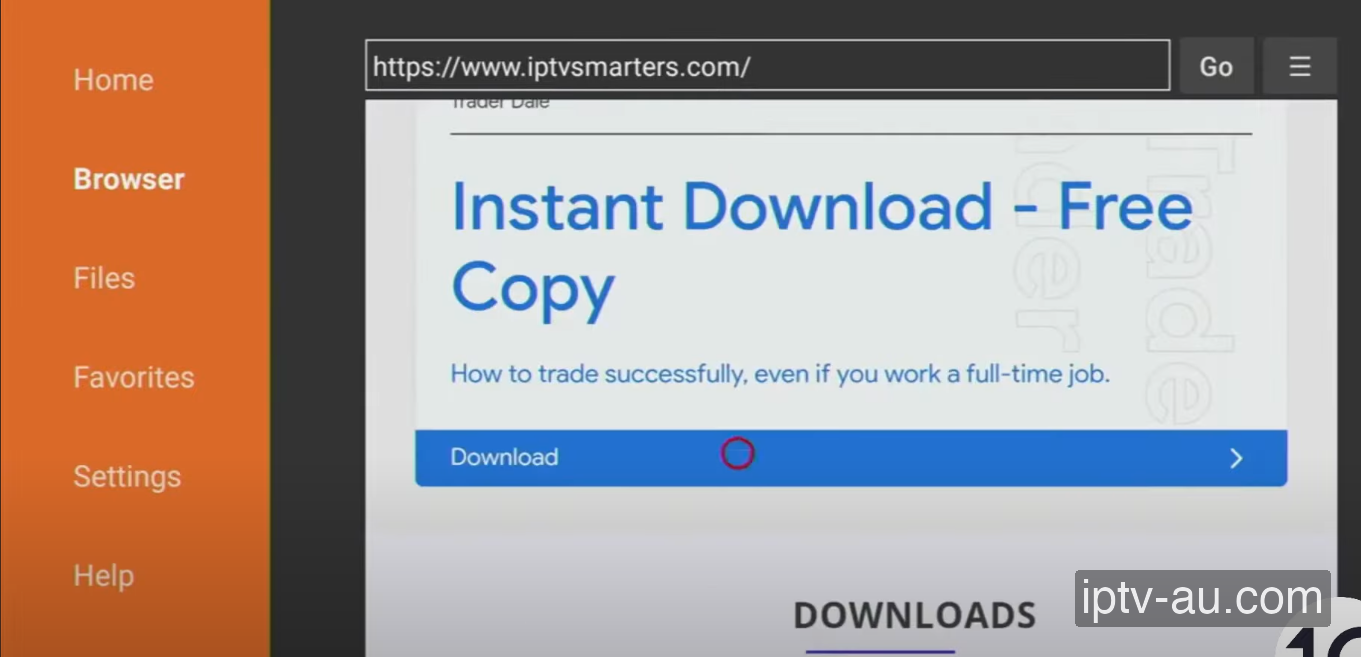
  2. Download Smarters Pro

    Open the Downloader app. In the URL bar, enter the official download link (e.g. https://www.iptvsmarters.com/smarters.apk or our provided shortcode). Click Go, and then hit Download on the webpage.

    Download Smarters Pro for IPTV on Chromecast
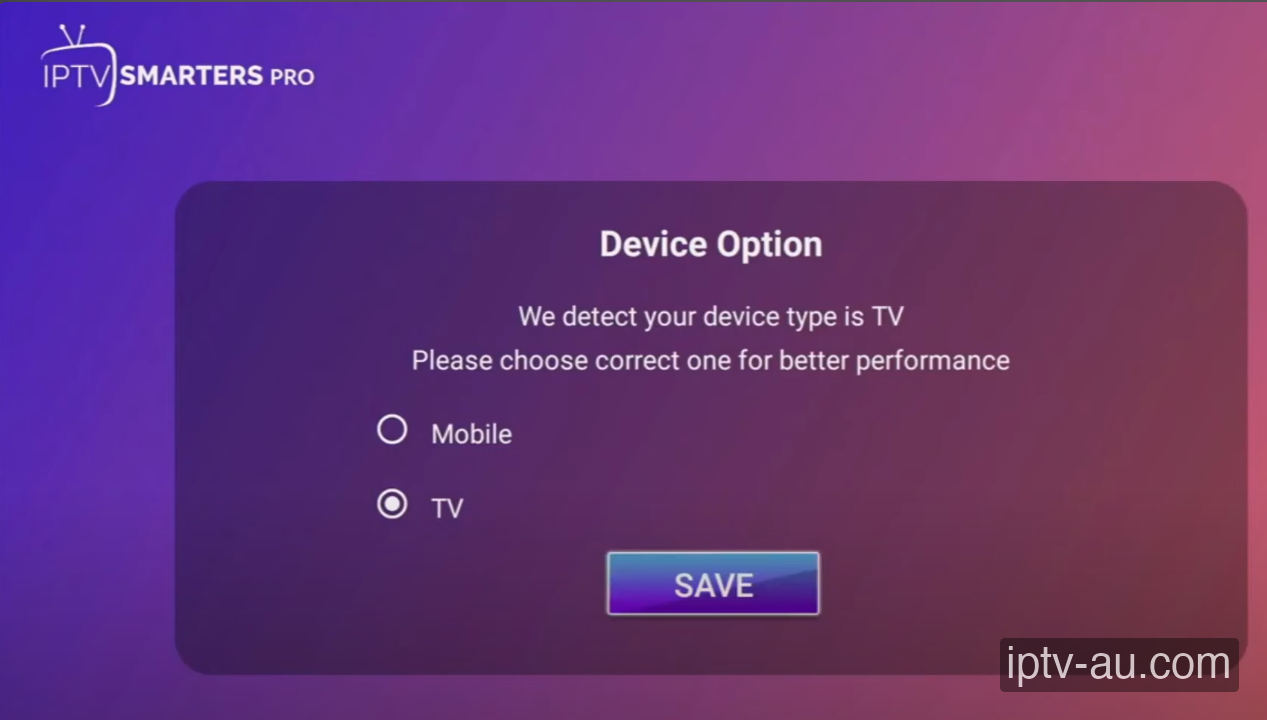
  3. Select Device Type

    Once installed, open IPTV Smarters Pro. The app will ask you to select your device interface. Select TV for the best remote-control experience and click SAVE.

    Select Device Type for IPTV on Chromecast
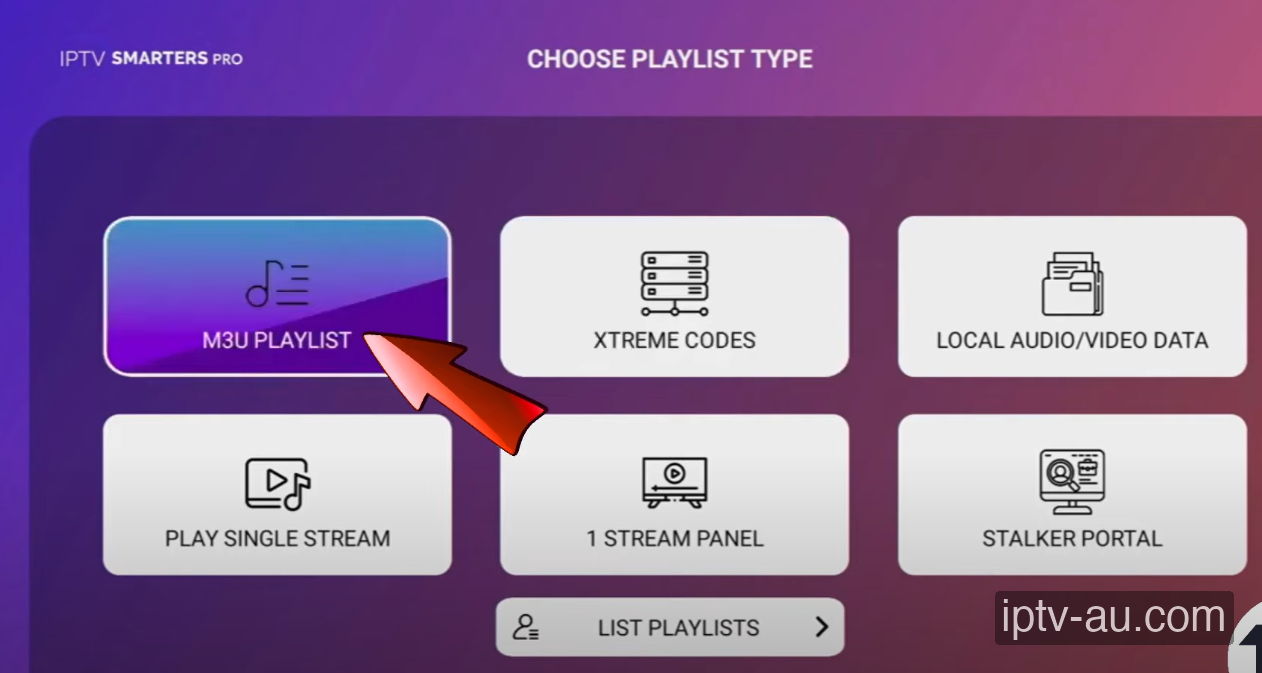
  4. Select Xtream Codes API

    You will be presented with different playlist types. Tap "Login with Xtream Codes API". This is the best method as it automatically organizes Live TV, Movies, and Series into categories.

    Select Xtream Codes API for IPTV on Chromecast
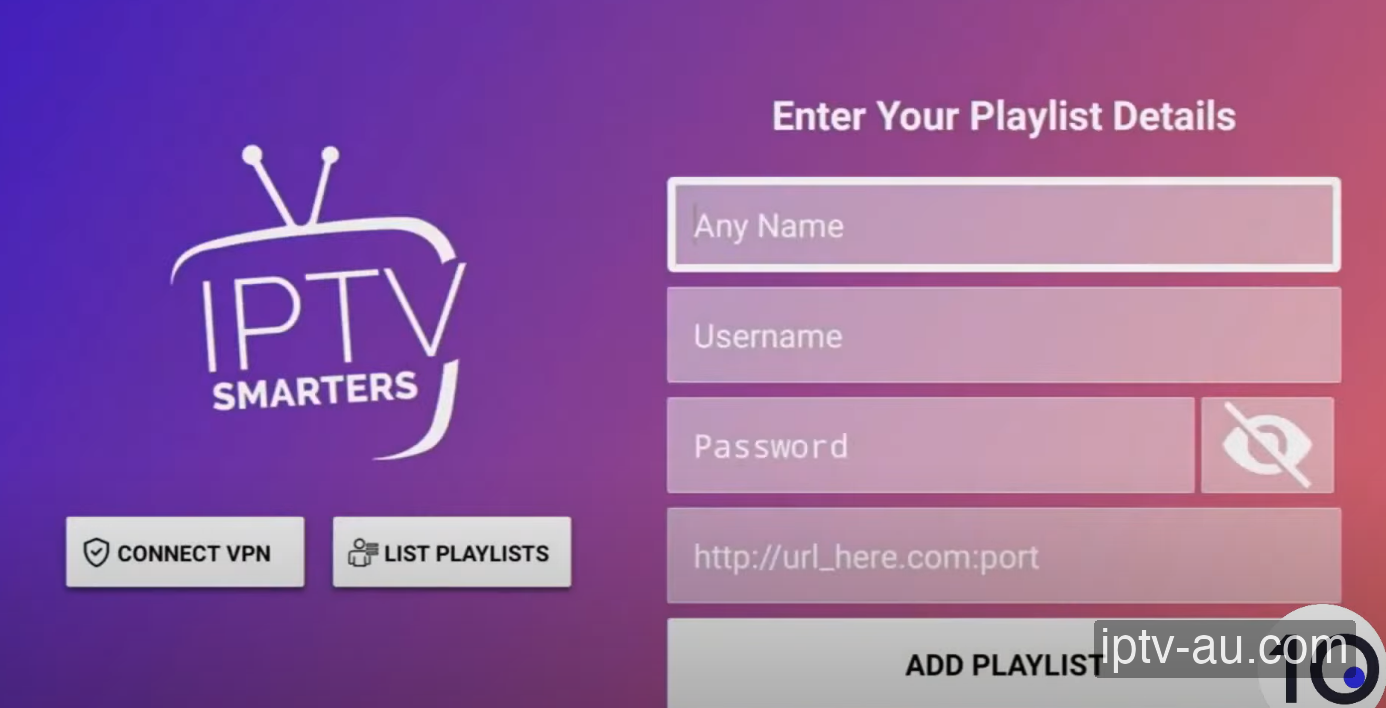
  5. Enter Your Credentials

    You will now see a form with 4 fields. Fill them out exactly as provided by our support team via WhatsApp or email. Double-check for typos or accidental spaces at the end of words.

    Any Name: IPTV Australia
    Username: your_username
    Password: your_password
    Server URL: http://provided-url.com:port
    Enter Your Credentials for IPTV on Chromecast
  6. Sync & Start Watching

    Click Add User. Your playlist will download and process in seconds. Once complete, you will be taken to the dashboard where you can browse Live TV, Movies, and Series using your Chromecast remote!

    Start Watching IPTV on Chromecast
    Setup complete! Browse 58,000+ live channels instantly.

Troubleshooting

Can't Install Unknown Apps

On newer Google TV interfaces, you must enable Developer Options first. Go to Settings > System > About, find "Android TV OS build" and click it 7 times until activated.

Missing Categories in Smarters

If your Live TV or VOD doesn't load fully, click the 'Refresh' icon on the Smarters Pro dashboard to force a sync with our servers.

App crashes immediately on startup

This is usually caused by corrupted cache data. Go to your device's Settings > Apps, find the IPTV app, and run a System Cache Clear. If the issue persists, reinstall the application.

Live TV is buffering, but VOD works

Live TV requires a constant, uninterrupted stream of data, while VOD can buffer ahead. Ensure your device is connected via Ethernet. If you must use Wi-Fi, ensure you are on a 5GHz network close to the router.

Audio is playing, but the screen is black

This indicates a video codec compatibility issue. Go to the app's Player Settings and toggle the decoder between Hardware (HW) and Software (SW). HW decoding is recommended for most modern devices.

VOD (Movies/Series) won't load

Live TV and VOD often stream from different server ports. If Live TV works but VOD doesn't, your ISP might be blocking the VOD port. Restart your router or enable a premium VPN to bypass the block. For a detailed walkthrough, view our Secure VPN Setup Guide for IPTV.

"Playlist failed to load" Error

Double-check your credentials. The Xtream Codes API requires exact case-sensitivity. A very common mistake is having an invisible trailing space at the end of your username, password, or server URL.
Pricing Plans

IPTV Subscription

IPTV
12 Months
$110.00 AUD
One-time payment - No subscription
  • +58,000 Channels
  • +97,000 Movies and Series
  • 8K / 4K / Ultra HD Quality
  • ALL Premium Sports Channels
  • All Devices Supported
  • 24/7 Support
  • Built-in VPN protection
  • CATCH-UP TV Service
  • 30-Day Money-Back Guarantee
Order Now
Most Popular
IPTV
24 Months
$160.00 AUD
One-time payment - No subscription
  • +58,000 Channels
  • +97,000 Movies and Series
  • 8K / 4K / Ultra HD Quality
  • ALL Premium Sports Channels
  • All Devices Supported
  • 24/7 Support
  • Built-in VPN protection
  • CATCH-UP TV Service
  • 30-Day Money-Back Guarantee
Order Now
IPTV
3 Months
$60.00 AUD
One-time payment - No subscription
  • +58,000 Channels
  • +97,000 Movies and Series
  • 8K / 4K / Ultra HD Quality
  • Sports Channels
  • All Devices Supported
  • 24/7 Support
Order Now
LIVE NOW: SPORTS