VPN Setup Guide

Fast Facts

Primary Goal Bypass ISP Throttling
Recommended Apps Surfshark, NordVPN
Setup Time 3 mins

Why Do You Need a VPN?

Internet Service Providers (ISPs) often monitor your traffic and intentionally throttle (slow down) streaming connections, especially during major live sporting events. A VPN encrypts your traffic, hiding your activity from your ISP, ensuring you get the maximum possible speed for buffer-free 4K streaming.

Configuration Steps

  1. Choose a Premium VPN

    Do not use free VPNs; they are too slow for video streaming and often sell your data. We highly recommend Surfshark or NordVPN because they have dedicated apps for Smart TVs, Firesticks, and Android boxes.

    🦈 Surfshark VPN 🏔️ NordVPN ⚡ ExpressVPN
    VPN in App Store
  2. Install the VPN App

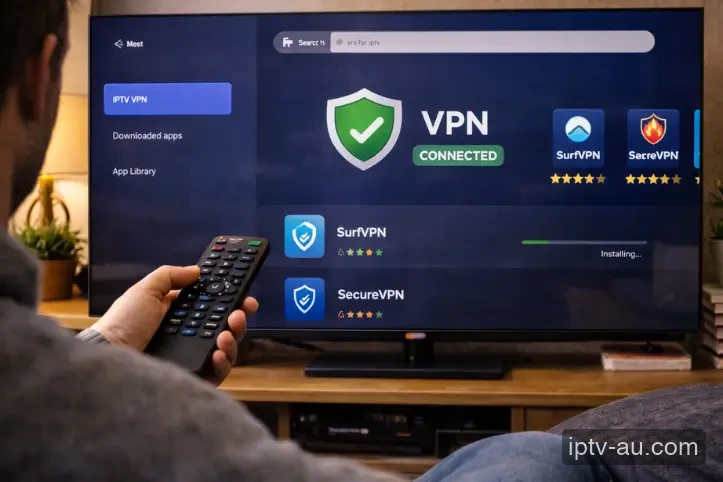
    Go to the App Store on your device (Google Play Store on Android TV, Amazon Appstore on Firestick, or Apple App Store on iOS). Search for your chosen VPN provider and click Install. Open the app and log in to your VPN account.

    Installing VPN on TV
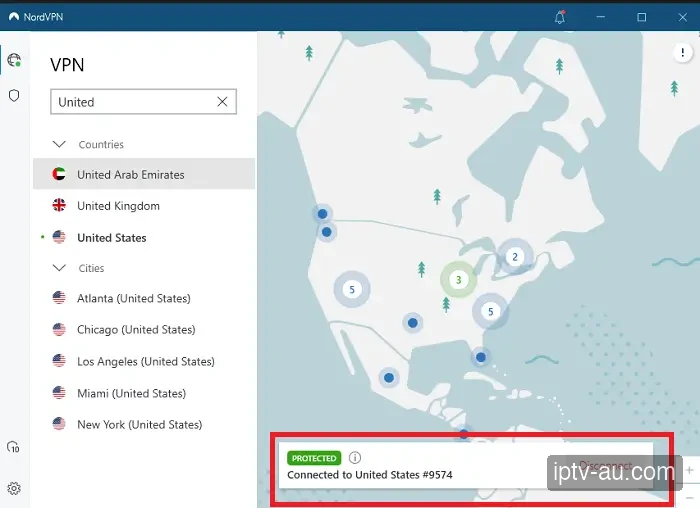
  3. Connect to a Server

    For the best speeds, always connect to a server in your own country (e.g., Australia) or the closest neighboring country (e.g., Argentina or Brazil). If your ISP is actively blocking the IPTV server, try connecting to a server in the USA or Europe to bypass the block completely.

    Connect to VPN Server
  4. Launch Your IPTV App

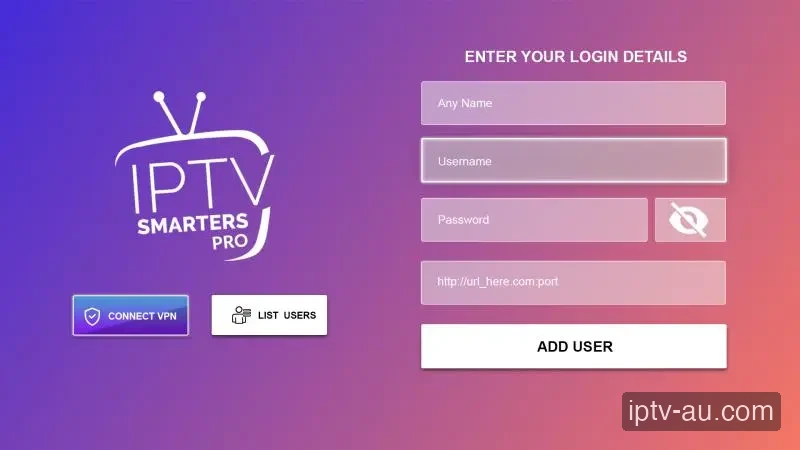
    Once the VPN says "Connected", press the Home button on your remote. Open your IPTV application (like Smarters or TiviMate). Your connection is now fully encrypted, unthrottled, and secure.

    Launch IPTV with VPN

Troubleshooting

VPN makes my internet slow

VPNs naturally add a slight overhead due to encryption. If it is too slow, open the VPN settings and change the protocol to "WireGuard". Also, try switching to a different city server within the VPN app.

IPTV won't load with VPN ON

Some VPN IP addresses might be flagged. Simply disconnect from the VPN, pick a different server location (e.g., change from Miami to New York), and reconnect.

Which VPN protocol should I use?

WireGuard is highly recommended for streaming as it is the fastest, most modern, and lightweight protocol available. Check your VPN settings to ensure it is selected instead of OpenVPN.

Do I need a dedicated IP address?

No, a standard shared IP is perfectly fine and often better for privacy. Dedicated IPs are generally unnecessary for watching IPTV.

Can I use a free VPN?

We strongly advise against free VPNs. They have severe data caps, incredibly slow speeds, and may compromise your privacy. A premium VPN is required for buffer-free 4K streaming.

How to install on a TV without an app store?

If your older smart TV does not support VPN applications directly, you can either install the VPN directly on your Wi-Fi router or purchase a cheap streaming stick like a Firestick 4K.

Will a VPN prevent all buffering?

While a VPN solves ISP throttling blocks, buffering can still occur if your base internet speed is too slow or if you are using an unstable Wi-Fi connection instead of an Ethernet cable.
Pricing Plans

IPTV Subscription

IPTV
12 Months
$110.00 AUD
One-time payment - No subscription
  • +58,000 Channels
  • +97,000 Movies and Series
  • 8K / 4K / Ultra HD Quality
  • ALL Premium Sports Channels
  • All Devices Supported
  • 24/7 Support
  • Built-in VPN protection
  • CATCH-UP TV Service
  • 30-Day Money-Back Guarantee
Order Now
Most Popular
IPTV
24 Months
$160.00 AUD
One-time payment - No subscription
  • +58,000 Channels
  • +97,000 Movies and Series
  • 8K / 4K / Ultra HD Quality
  • ALL Premium Sports Channels
  • All Devices Supported
  • 24/7 Support
  • Built-in VPN protection
  • CATCH-UP TV Service
  • 30-Day Money-Back Guarantee
Order Now
IPTV
3 Months
$60.00 AUD
One-time payment - No subscription
  • +58,000 Channels
  • +97,000 Movies and Series
  • 8K / 4K / Ultra HD Quality
  • Sports Channels
  • All Devices Supported
  • 24/7 Support
Order Now
LIVE NOW: SPORTS