Open MyTVOnline
Turn on your Dreamlink device and locate the DreamOnline or MyTVOnline app on your home screen. Launch the application.
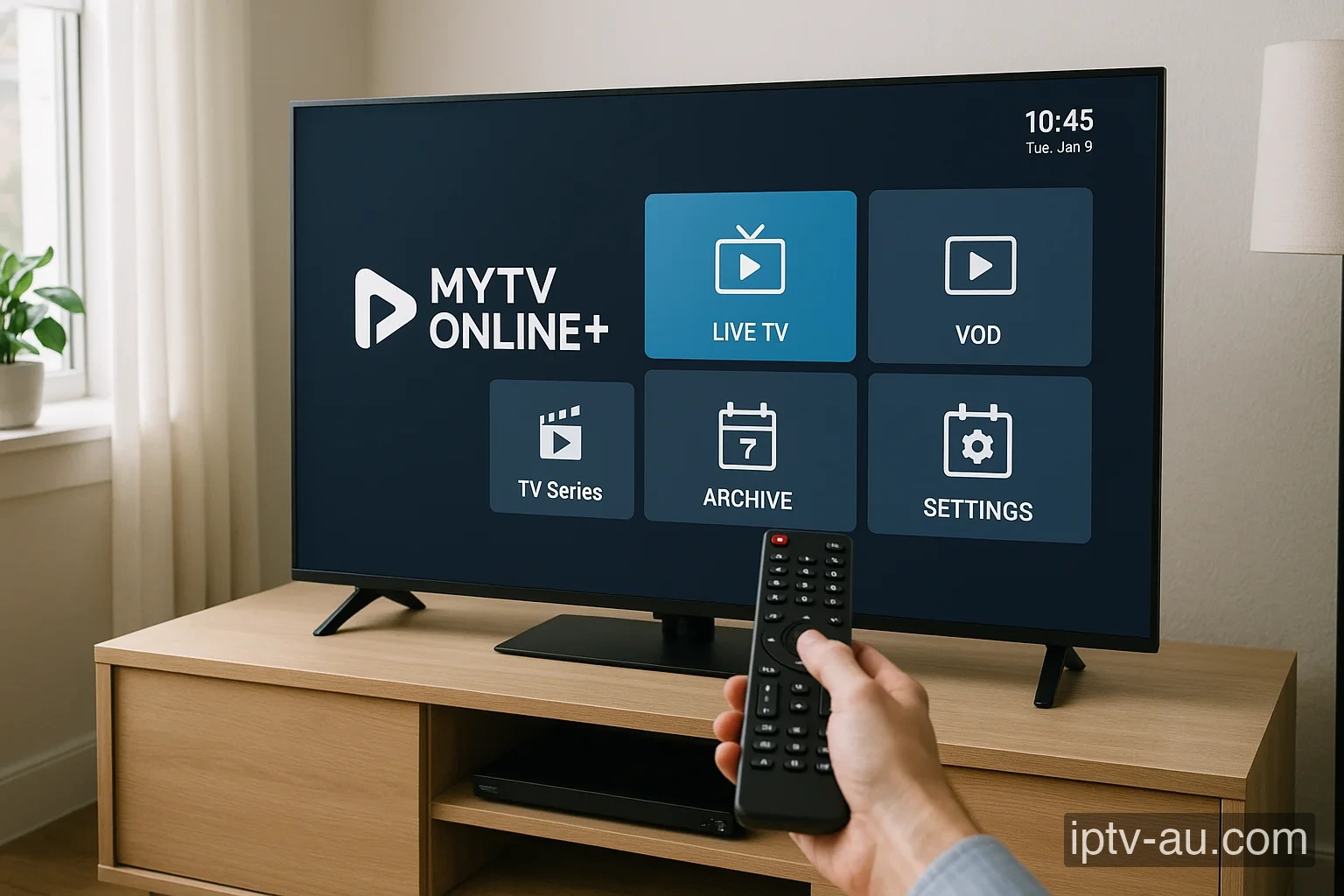

How do I set up IPTV on Dreamlink? To configure your Dreamlink for IPTV, install a professional player app (like IPTV Smarters Pro or TiviMate) either from the official app store or by sideloading it. Once installed, launch the application and choose "Login with Xtream Codes API" to enter your subscription credentials and unlock your live TV and VOD library.
| IPTV Subscription | IPTV Dreamlink |
|---|---|
| Best App | DreamOnline / MyTVOnline |
| Method | MAC Portal Address |
| Setup Time | 3 mins |
| Official Website | Visit Site |
| Device Support | Website Form |
Dreamlink boxes (like the T1, T2, and T3) operate on the same robust platform as Formuler. They use the exclusive DreamOnline / MyTVOnline application, which connects directly to our servers via a secure MAC-based portal, offering an authentic digital cable experience.
Turn on your Dreamlink device and locate the DreamOnline or MyTVOnline app on your home screen. Launch the application.
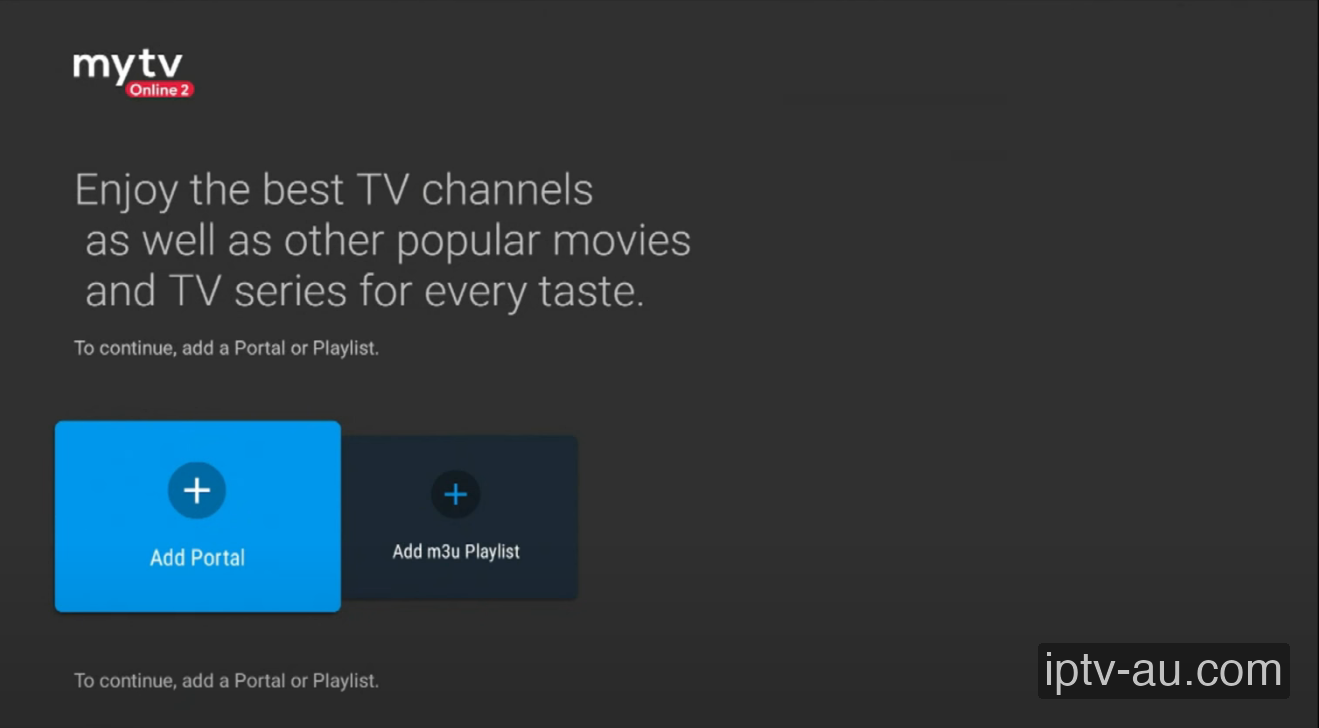
When prompted with the connection screen, select the "Add Portal" button.
Under Portal Nickname, type "IPTV Australia". Under Portal URL, enter the exact link provided to you via WhatsApp. Look at the ID field to find your device's unique MAC Address (it usually starts with 00:1E:B8). Note this ID down.
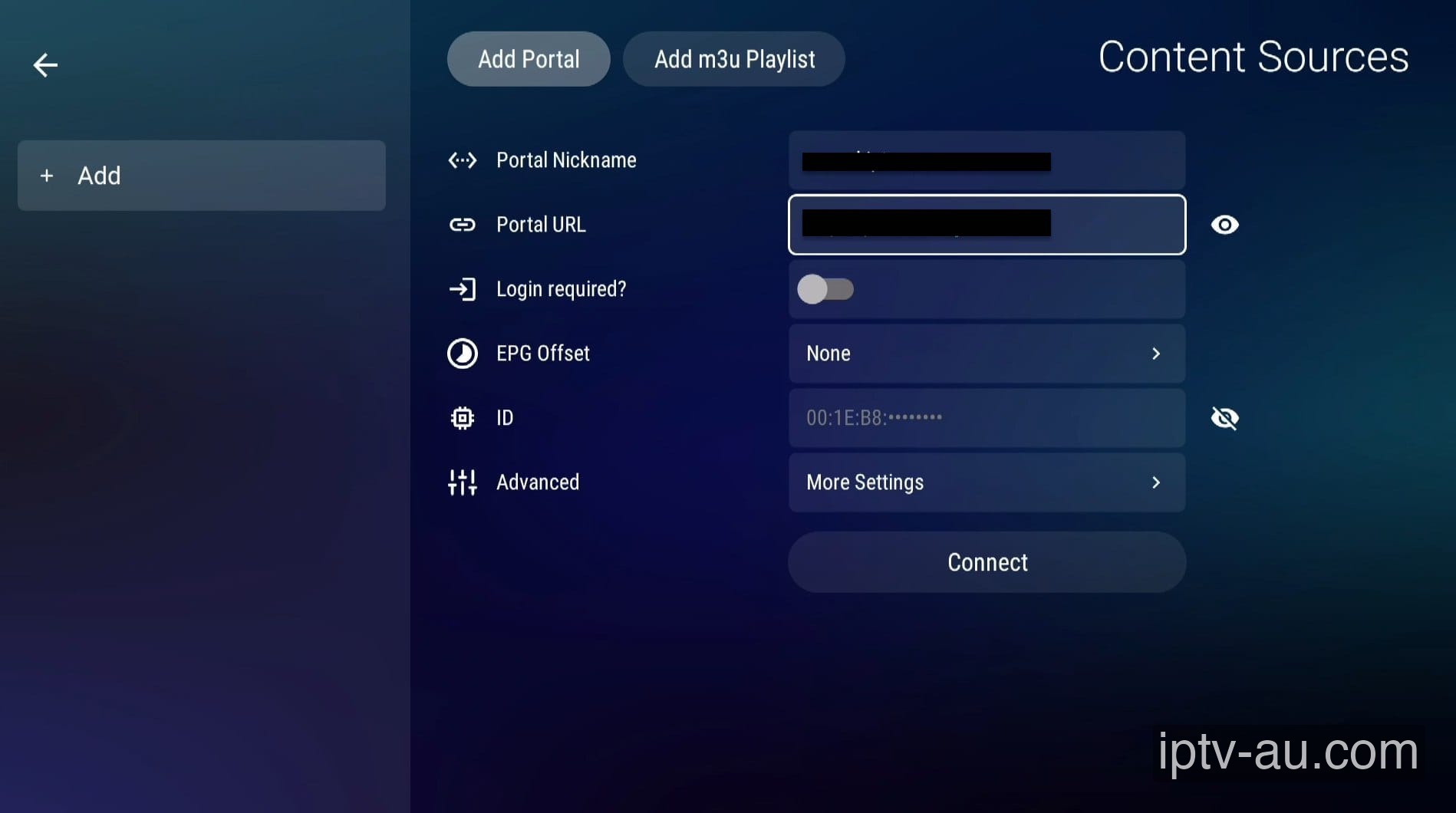
Before you click Connect, you must send your MAC ID to our WhatsApp support team. We will whitelist your device on our secure servers. Once we confirm activation, you may proceed.
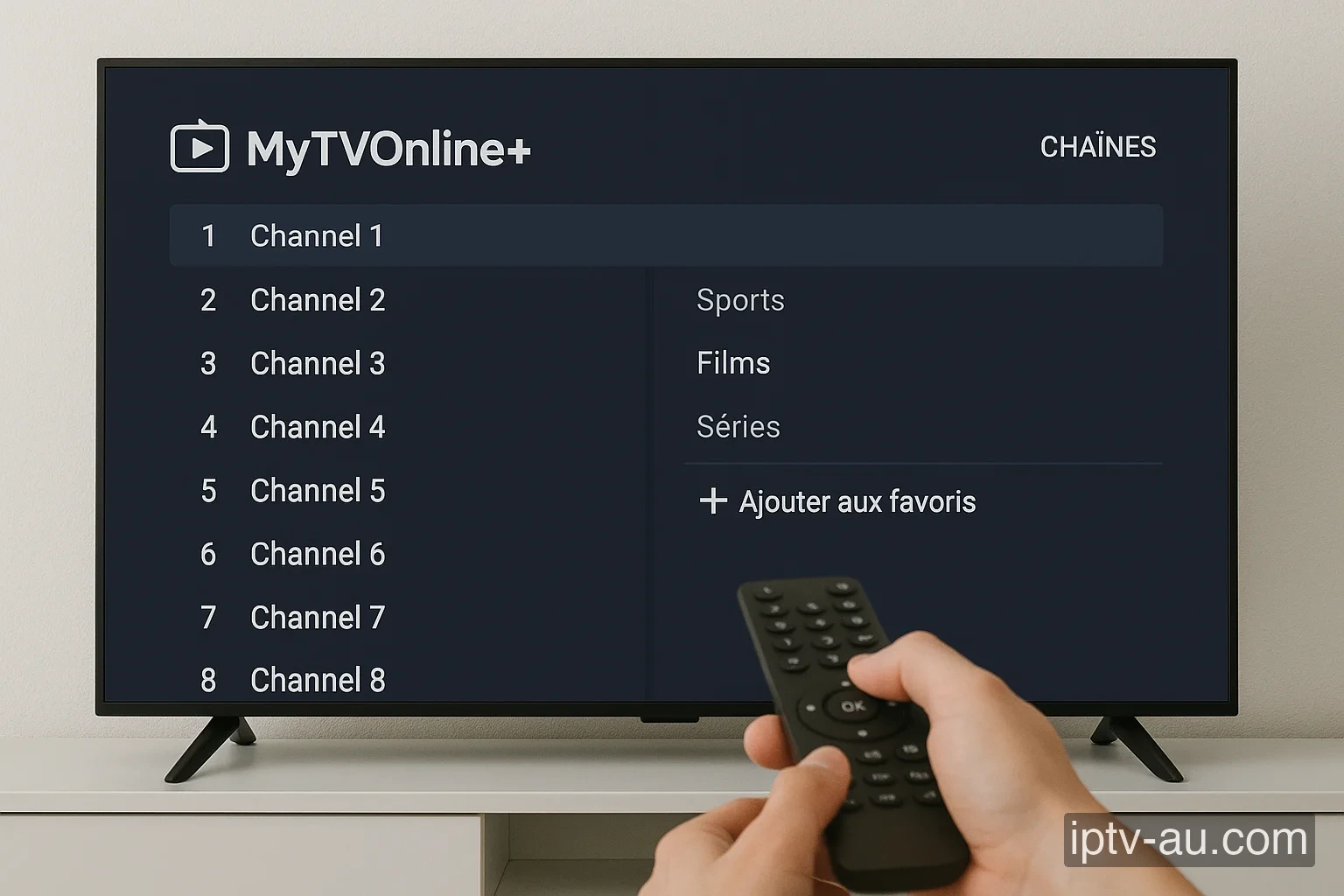
Click Connect. The app will sync all live TV networks, VODs, and Series to your Dreamlink box. You can begin streaming instantly!
Ensure you have sent us the correct ID, and make sure the Portal URL is entered exactly with no trailing spaces. A mistyped URL is the most common cause of failure.
If the TV guide does not load, go to the app's settings, select "Clear EPG", and then reconnect to the portal to pull a fresh copy of the guide.
This is usually caused by corrupted cache data. Go to your device's Settings > Apps, find the IPTV app, and run a System Cache Clear. If the issue persists, reinstall the application.
Live TV requires a constant, uninterrupted stream of data, while VOD can buffer ahead. Ensure your device is connected via Ethernet. If you must use Wi-Fi, ensure you are on a 5GHz network close to the router.
This indicates a video codec compatibility issue. Go to the app's Player Settings and toggle the decoder between Hardware (HW) and Software (SW). HW decoding is recommended for most modern devices.
Live TV and VOD often stream from different server ports. If Live TV works but VOD doesn't, your ISP might be blocking the VOD port. Restart your router or enable a premium VPN to bypass the block. For a detailed walkthrough, view our Secure VPN Setup Guide for IPTV.
Double-check your credentials. The Xtream Codes API requires exact case-sensitivity. A very common mistake is having an invisible trailing space at the end of your username, password, or server URL.